How Google AI Overviews Work, Two Interactive Tracks
Explore AI Overviews with two interactive tracks. Compare reader examples and assumed page conditions without predicting an actual search result.
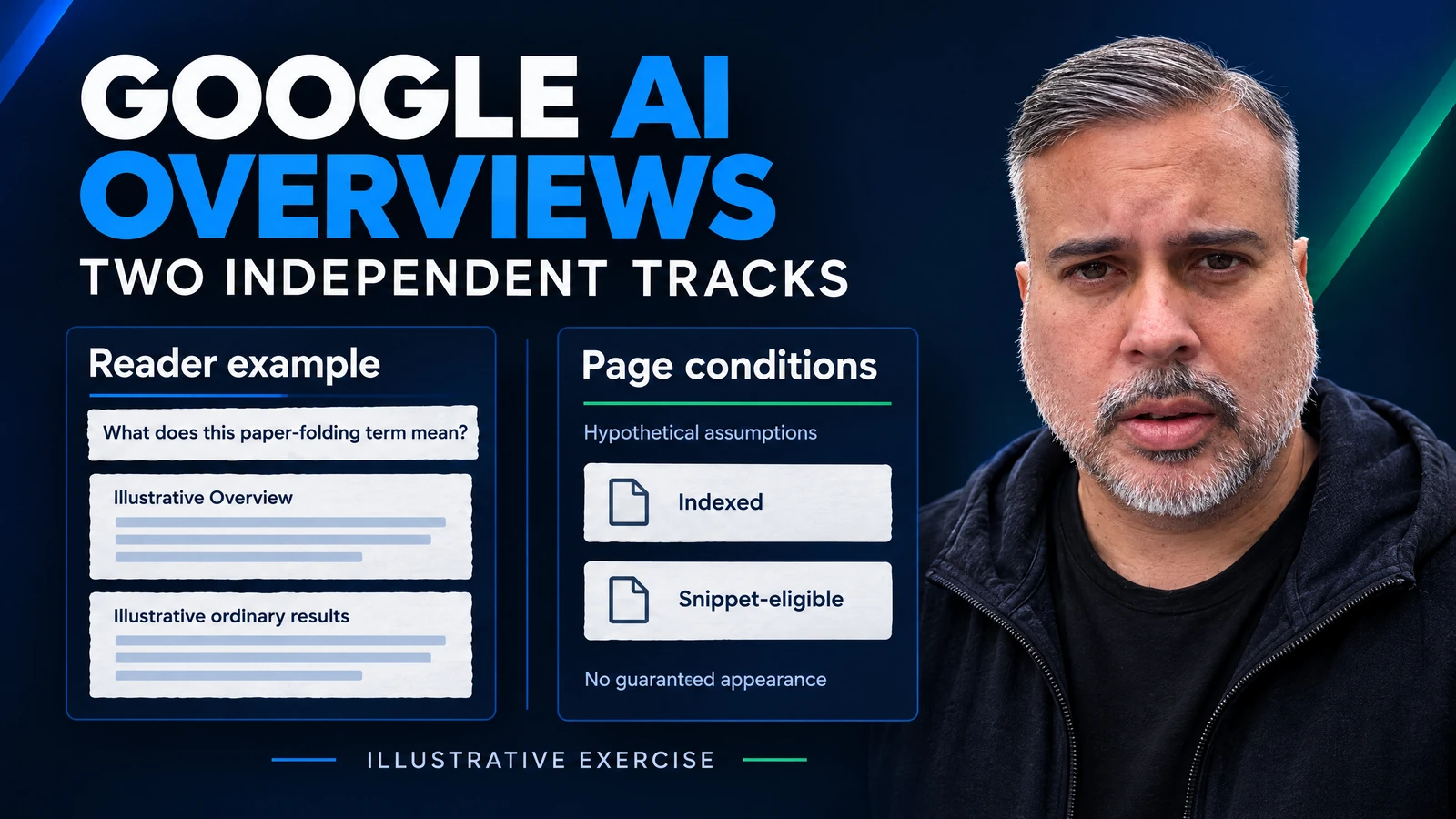
An editor finishes a fictional glossary entry about paper folding, marks its page conditions as checked, and adds one more line to the task board: “Get this into an AI Overview.” That final line needs a different kind of evidence from the preceding checkboxes.
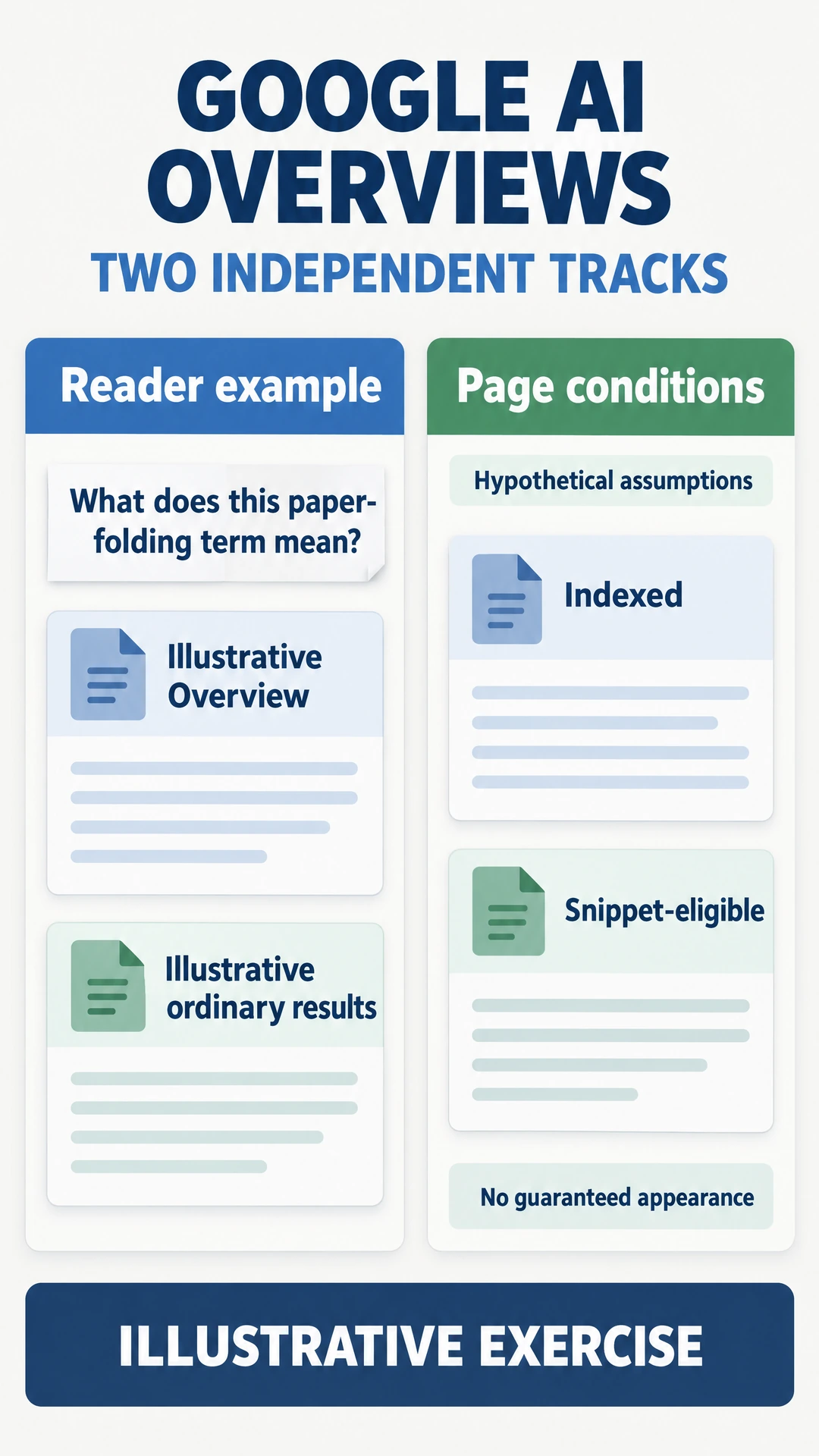
For this exercise, the question is “What does this paper-folding term mean?” No definition or Google answer is supplied. The editor's problem is deciding what can be reported after a page check, while the reader's problem is deciding what to inspect after a search.
The task board needs separate spaces for a page observation and a reader observation, so a colleague can see which evidence is still missing.
TLDR Use the two-track exercise to compare a reader presentation with assumed page conditions. Record the evidence for each separately. Keep an unobserved result unknown, and choose the next check from the gap in the note.
The reader's search presentation
The reader types the glossary question and considers where to start learning. An AI Overview provides an AI-generated snapshot with supporting links, although responses can make mistakes. Opening a relevant source gives the reader another text to inspect before accepting an important claim.
Google shows Overviews when they add to classic Search, and often does not trigger them. In the exercise, select either Illustrative Overview or Illustrative ordinary results. These are teaching presentations, without a generated answer or a copied Google screen.
Start with the second choice. The question still exists, and the reader still needs an explanation. Choose a page to read rather than evaluating a summary first. For the glossary entry, ask whether someone opening it could identify the concept and the limit of its explanation.
That question deserves an answer from the editor even before a visibility report exists. If the entry mixes a definition with an unrelated sales pitch, remove the interruption. If a neighbouring term is necessary, offer a useful route to it. These are content decisions for the fictional entry, without asserting any ranking benefit.
The source-checking exercise in Gemini Search offers a related reader habit. Choose one assertion before opening a link so the inspection has a purpose.
The page's assumed conditions
On the other track, the glossary page has two labels, Indexed and Snippet-eligible. Their checkboxes are assumptions in this teaching exercise. Clicking them supplies no evidence about a URL and performs no indexing action.
Supporting-link eligibility requires indexing and snippet eligibility, with no extra AI technical requirements. Meeting requirements does not guarantee crawling, indexing or serving, much less generation or citation.
Assume both conditions are met, then leave the reader on Illustrative ordinary results. Nothing in the exercise needs to turn red to reconcile that combination. The two controls describe different things.
Now unset a condition and open Illustrative Overview. The widget still permits the reader choice, without assigning the fictional entry as its source. If the editor mistakes that display for a successful citation, the error is in the report being written about the exercise.
For an actual work item, replace assumptions with documented observations before reporting a page condition. Keep the observation date beside the evidence. A checklist label without its supporting note leaves the next reviewer guessing what was checked.
Someone examining a rendered page may need a different check from someone examining an indexing record. The JavaScript rendering guide provides a related starting point for investigating content access, without turning this widget into a diagnostic tool.
Two parallel tracks in the diagram
Try the combinations in a deliberate order. Select Illustrative ordinary results with both page assumptions checked, then change only the reader presentation. Watch which label changes and which labels stay as they were.
Next, leave Illustrative Overview selected and change one page assumption. The exercise has no connecting arrow that turns this edit into a change of reader presentation. That omission is useful. It prevents the design from supplying a conclusion the example has never observed.
An unselected checkbox is only an unset assumption here. Outside the exercise, if nobody has checked a condition, write Unknown in the work note rather than interpreting the lack of a checkmark as a failed page. Ask for evidence before assigning a repair.
This also gives the editor a more useful question for a colleague. Instead of “Why aren't we in the answer?”, ask “Which page condition has evidence, and which search presentation was observed?” The colleague can respond with an artifact or identify the missing check, rather than inventing a reason to complete the story.
The browser study's boundaries
Steve Toth's analysis reports 24 three-turn Search sessions recorded September 25, 2026. They concerned B2B SaaS buyer questions. His telemetry meanings are inferred, and browser captures cannot establish every server operation or its order. This is his sample, without a reproduction here.
That distinction affects the glossary editor's next step. A label observed in someone else's browser study can suggest a question to investigate, but it cannot explain an unobserved outcome for this fictional page. Copying endpoint names into the task board would give the note more detail without giving the editor more evidence.
AI features may use query fan-out across subtopics and data sources. The AI Mode example explores related questions through a different teaching design. Keep any proposed glossary subquestion separate from an actual query trace.
For this entry, the editor could ask which neighbouring concept a reader might confuse with the term. That is an editorial research question. Until a source answers it, resist filling the page with invented paper-folding instructions to make the explanation look complete.
A useful evidence note
The fictional task board needs a place for the evidence that its green labels cannot supply. Use a short note with separate spaces for page conditions and a reader observation, then add the question the editor needs answered next.
| Work-note field | Entry for this exercise |
|---|---|
| Page condition | Assumed Indexed and Snippet-eligible, without a URL check |
| Reader presentation | Selected teaching example only |
| Linked source | Unverified, with no destination supplied |
| Pending decision | Obtain the observation needed before reporting a result |
If a colleague supplies a search screenshot later, record the question and the context of that observation. Before celebrating the glossary's appearance, inspect the destination of the relevant link. The citation stability discussion is useful context for keeping a dated observation in a work note.
When evidence arrives, update the field it supports. If the colleague supplies only a page-status observation, leave the reader observation unresolved. There is no need to delay a useful editorial repair while every space is filled. A confusing entry can be rewritten for the person reading it, with the visibility question still open.
Finally, ask what the next proposed change is meant to accomplish. A change intended to clarify the concept should be judged against that reader task. A visibility claim needs its own supporting observation before it is included in a client update. This prevents the original “Get this into an AI Overview” line from becoming an unsupported success report.
FAQ
Does an eligible page guarantee an AI Overview link?
Eligibility does not guarantee selection. Keep the page evidence separate from an observed source appearance.
Does the diagram check my website?
It uses a fictional glossary entry. Controls change teaching states, with no URL submission or live Google result.
Can the question be answered without an Overview?
The ordinary-results teaching choice lets the reader choose a page to inspect. It supplies no actual explanation of the paper-folding term.
Where is AI-feature traffic reported?
Search Console includes it in Web performance. That inclusion alone cannot isolate an Overview's contribution.